

How to Automate Daily Work Tasks with AI Without Coding
You can automate daily work tasks with AI without learning to code by using natural language prompts to create structured workflows. SmartAIWorld Academy teaches beginners to map triggers, inputs, and review steps into repeatable systems. This approach turns repetitive computer work into reliable, documented processes that save time and reduce errors.
Understanding the Anatomy of a No-Code AI Workflow
Workflow automation is the process of using software to perform repetitive tasks with minimal human intervention. Many beginners believe that building these systems requires programming knowledge. In reality, modern AI tools allow users to define logic using plain English. The key is understanding the structural components that make a workflow reliable.
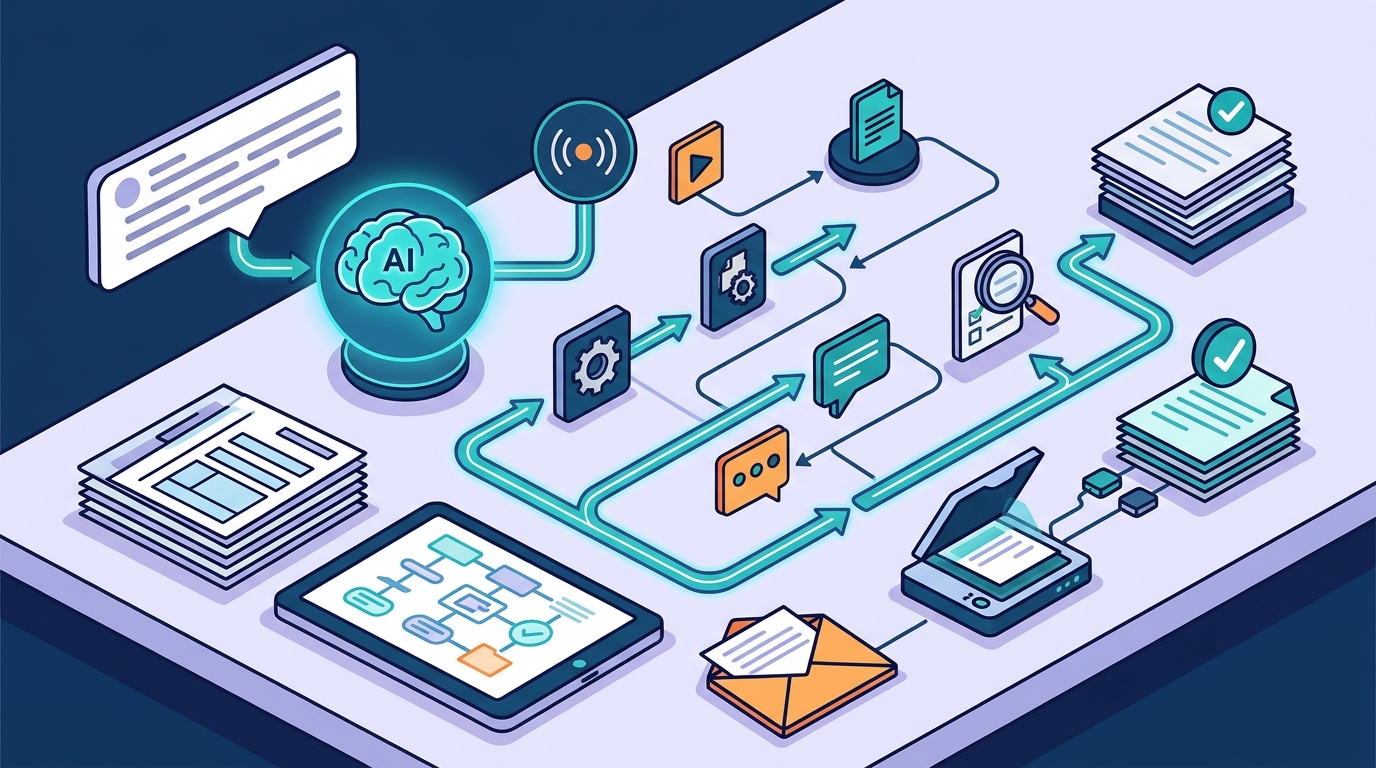
A dependable workflow requires six specific parts: a trigger, required inputs, a controlled transformation, a human-review gate, an approved output, and a failure path. A prompt by itself is not a workflow because it does not define when the work begins or what happens when information is missing. For example, a meeting notes summary workflow triggers when notes are uploaded, requires an attendee list, and routes incomplete requests back to the organizer.
SmartAIWorld Academy emphasizes that defining these boundaries is critical. Without a clear failure path, AI tools may hallucinate missing details or produce inconsistent results. By mapping these six components, you create a system that another person can understand, review, and repeat. This structural clarity is the foundation of effective no-code automation.
Prompt Engineering as a Logic Tool
Prompt engineering is the practice of crafting inputs to guide AI models toward specific, predictable outputs. It is not about guessing magic words; it is about providing context, constraints, and clear goals. When you treat prompts as logic statements, you move from one-off queries to reusable assets. This shift allows you to build a library of instructions that handle specific business scenarios.
Effective prompts include five parts: role, goal, context, constraints, and output format. For instance, a prompt for email triage might specify the role as an assistant, the goal as categorizing messages, and the constraint to draft replies only without sending them. This level of detail prevents the AI from taking unauthorized actions. It also ensures the output matches the format you need for your next step.
The SmartAIWorld method teaches users to iterate on these prompts. You start with a basic instruction, review the result, and refine the constraints. This iterative process builds confidence and precision. By documenting your best prompts, you create a personal command center that scales with your workload. This approach is central to the curriculum found in the SmartAIWorld Academy.
The Critical Role of Human Review
Human-in-the-loop automation is a design pattern where a person verifies AI outputs before they are finalized or sent. This step is essential for maintaining quality and accountability. AI models can make subtle errors, especially when dealing with nuanced business communication or complex data. A review gate ensures that these errors are caught before they cause problems.
In a practical workflow, the review step is not optional; it is a defined stage. For example, when AI generates a draft summary of a client meeting, a named reviewer checks every commitment against the original notes. This verification step protects your professional reputation. It also builds trust in the system, as you learn which types of tasks the AI handles well and which require more oversight.
SmartAIWorld resources highlight that removing the human review step is a common mistake. It leads to over-reliance on automation and potential data leaks or miscommunications. By keeping a human in the loop, you maintain control while still benefiting from the speed of AI. This balance is a core principle of responsible AI use in professional settings.
Starting with Low-Risk, High-Frequency Tasks
Task selection is the first step in building a successful automation strategy. You should start with tasks that are repetitive, verifiable, and low-risk. High-risk tasks, such as final financial approvals or legal advice, are poor candidates for initial automation. Instead, focus on administrative work that consumes time but does not carry severe consequences if a minor error occurs.
Good starter tasks include summarizing meeting notes, rewriting emails for tone, and organizing data lists. These tasks are frequent enough to provide measurable time savings. They are also easy to verify, allowing you to quickly assess the AI's accuracy. For example, turning a raw list of action items into a structured plan is a task that most professionals perform weekly. Automating this step can save significant time each month.
The AI Resources section of SmartAIWorld provides specific examples of these starter tasks. It includes templates for meeting-to-action workflows and email triage systems. By starting with these proven examples, you avoid the trial-and-error phase. You can measure the time saved and the quality of the output, giving you concrete data to justify expanding your automation efforts.
Scaling from Single Prompts to Documented Systems
Scaling automation is the process of moving from isolated prompts to integrated, documented systems. A single prompt is a tool; a system is a workflow. When you document your workflows, you create assets that can be shared, updated, and maintained. This documentation is crucial for long-term success, especially as AI tools and capabilities evolve.
SmartAIWorld Academy guides students through this scaling process. The curriculum includes a capstone project where you build a complete, documented workflow. This project serves as a portfolio piece that demonstrates your ability to implement AI solutions. It also provides a foundation for ongoing practice, which is supported by the SmartAIWorld Pro membership for graduates.
Key Takeaways
- Workflow automation is the process of using software to perform repetitive tasks with minimal human intervention.
- A reliable no-code workflow requires six parts: trigger, inputs, transformation, review gate, output, and failure path.
- Prompt engineering is the practice of crafting inputs to guide AI models toward specific, predictable outputs.
- Human-in-the-loop automation is a design pattern where a person verifies AI outputs before they are finalized.
- Start with low-risk, high-frequency tasks like summarizing notes or organizing lists.
- Document your workflows to create scalable, maintainable systems.
- Use the SmartAIWorld Academy to learn these skills through a structured 30-day path.
Frequently Asked Questions
Do I need to know how to code to automate tasks with AI?
No, you do not need to know how to code. Modern AI tools allow you to define workflows using natural language. You only need to understand the logic of the task you want to automate.
What is the first step in automating a daily task?
The first step is to identify a repetitive, low-risk task that you perform frequently. Then, map out the trigger, inputs, and desired output for that task.
How do I ensure the AI does not make mistakes?
You should always include a human-review gate in your workflow. This step ensures that a person verifies the AI's output before it is finalized or sent.
What is a failure path in an AI workflow?
A failure path is a defined step that handles missing, sensitive, or contradictory input. It ensures that the workflow stops or routes the request back for clarification instead of guessing.
Can I share my AI workflows with my team?
Yes, documenting your workflows makes them easy to share. You can create a library of prompts and process maps that other team members can use and adapt.
Where can I learn more about building AI workflows?
You can explore the SmartAIWorld Academy for a structured curriculum on building practical AI workflows. The sample lesson provides a detailed example of the teaching method.
Start Building Your First Workflow Today
Automating daily work tasks with AI is accessible to anyone willing to learn the fundamentals of workflow design. You do not need to be a programmer; you need to be a thoughtful observer of your own work. By mapping triggers, defining inputs, and building in human review, you can create systems that save time and reduce errors. SmartAIWorld Academy provides the structured guidance you need to move from curiosity to confident application. Start with one small task, document the process, and build from there. Your future self will thank you for the time you save.